Attachments
The attachments page offers the option to upload files and share them with users or groups.
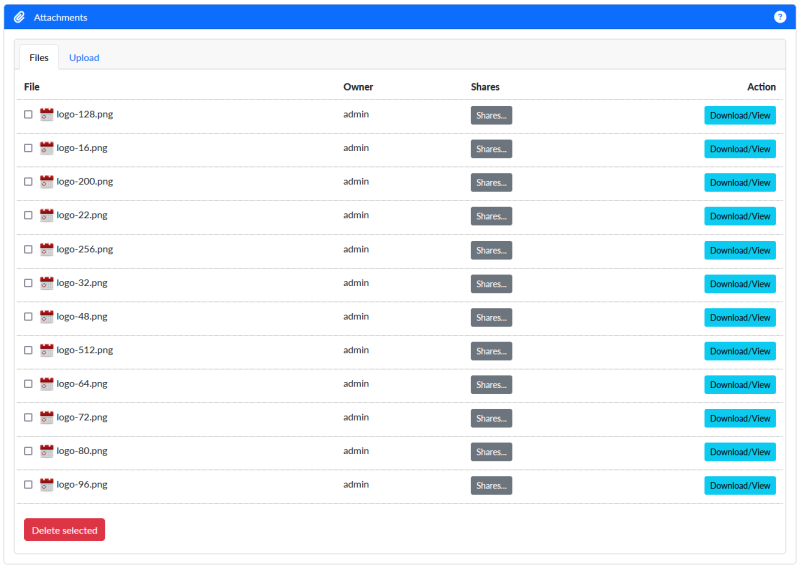
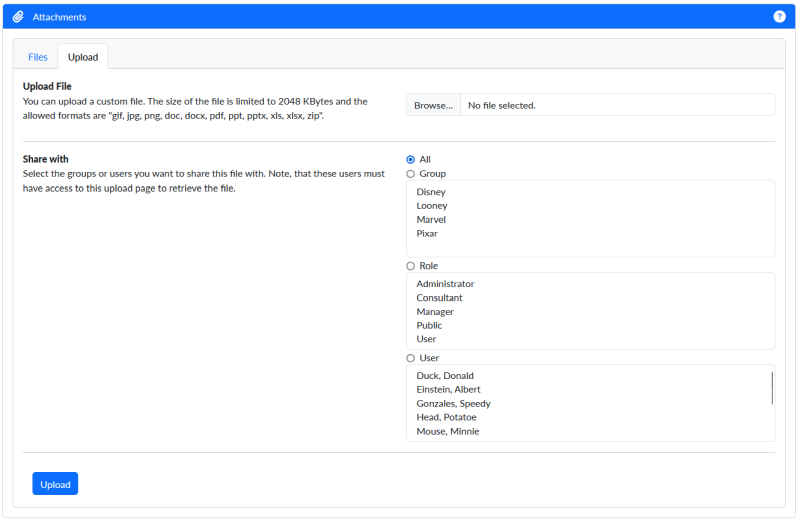
Use the Upload tab to add new attachments. You can select with whom you want to share the file.
Buttons
Files Tab
| Button | Function |
|---|---|
| Shares... | Expands/collapses the shares listbox. |
| Download/View | Downloads/views the attachment file. Right-clight to use your browser’s download feature. |
| Update | Updates the shares as selected. Available to the attachment owner and admin only. |
| Clear | Deletes all shares. Available to the attachment owner and admin only. |
Upload Tab
| Button | Function |
|---|---|
| Browse | Browse for local files to upload |
| Upload | Press/click to upload the selected file |
| Delete Selected | Deletes the selected file/s from the server. Available to the attachment owner and admin only. |