Regions
Regions allow you to maintain several calendars with different holidays. Bank holidays and school vacations my differ for example between regions. This is very useful if you are managing an internationally distributed team. You can select a region in the calendar display.
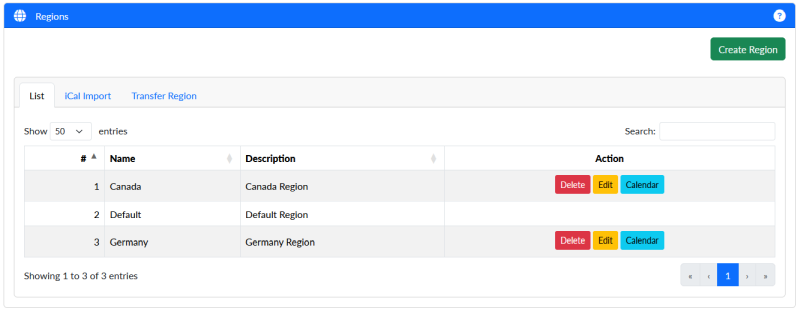
List
| Button | Description |
|---|---|
| Create Region | Opens a dialog to create a new region |
| Calendar | Opens the calendar page for the corresponding region. You can then set the region’s holidays there. |
| Edit | Opens the edit page for the corresponding region |
| Delete | Deletes the corresponding region |
iCal Import
You can import an iCal file to set a certain holiday in a specific region. This is useful for example if you want to import school holidays.
| Button | Description |
|---|---|
| Browse | Browse for the iCal file on your local drive |
| Upload | Uploads and imports the iCal file into the selected region |
Transfer Region
If you want to transfer or merge regions you can use the settings on this tab.
| Button | Description |
|---|---|
| Transfer | Transfers the region into another |