System
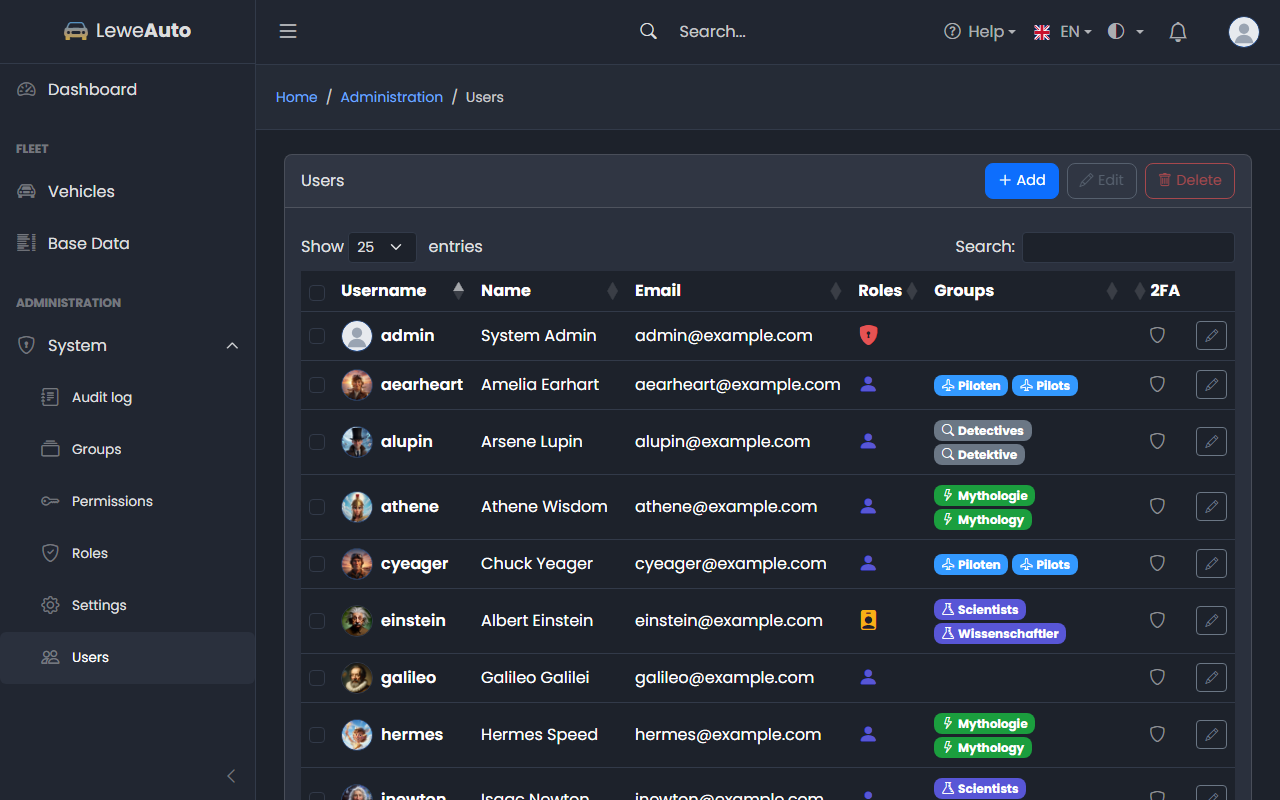
The System area is available to administrators. It groups accounts, access control, application-wide configuration and the security record.
| Page | What it covers |
|---|---|
| Users | Create, edit and anonymise accounts; assign roles and groups |
| Roles | Built-in and custom roles and their permissions |
| Groups | Organise users, grant permissions and share vehicle access |
| Permissions | The building blocks behind roles and groups |
| Settings | Application, system, units, security, branding, provider and license |
| Audit Log | Search, inspect and export security-relevant events |
| License | Activate, check and deregister the installation |
| LDAP Authentication | Authenticate users against a directory server |
| OIDC Authentication | Single sign-on with an OpenID Connect provider |
Access model
A user receives permissions from three sources:
- Roles assigned directly to the user
- Groups the user belongs to
- The built-in Administrator role, which always holds every permission
The union of these permissions is what the user may do. On top of permissions, ownership rules apply to events: a user who may edit events can only change their own events unless they hold assign_vehicle (agents and administrators) and therefore manage the whole fleet.
Vehicle visibility is separate from permissions. A user with view_vehicle sees:
- Public vehicles
- Vehicles assigned to them directly
- Vehicles assigned to one of their groups
Administrators and users with assign_vehicle see and manage every vehicle.
Changing roles, groups or permissions affects the next request, not only the next login. Review access before you hand out an account.