Create Vehicle
Vehicles → Add vehicle creates a vehicle record. The button requires create_vehicle.
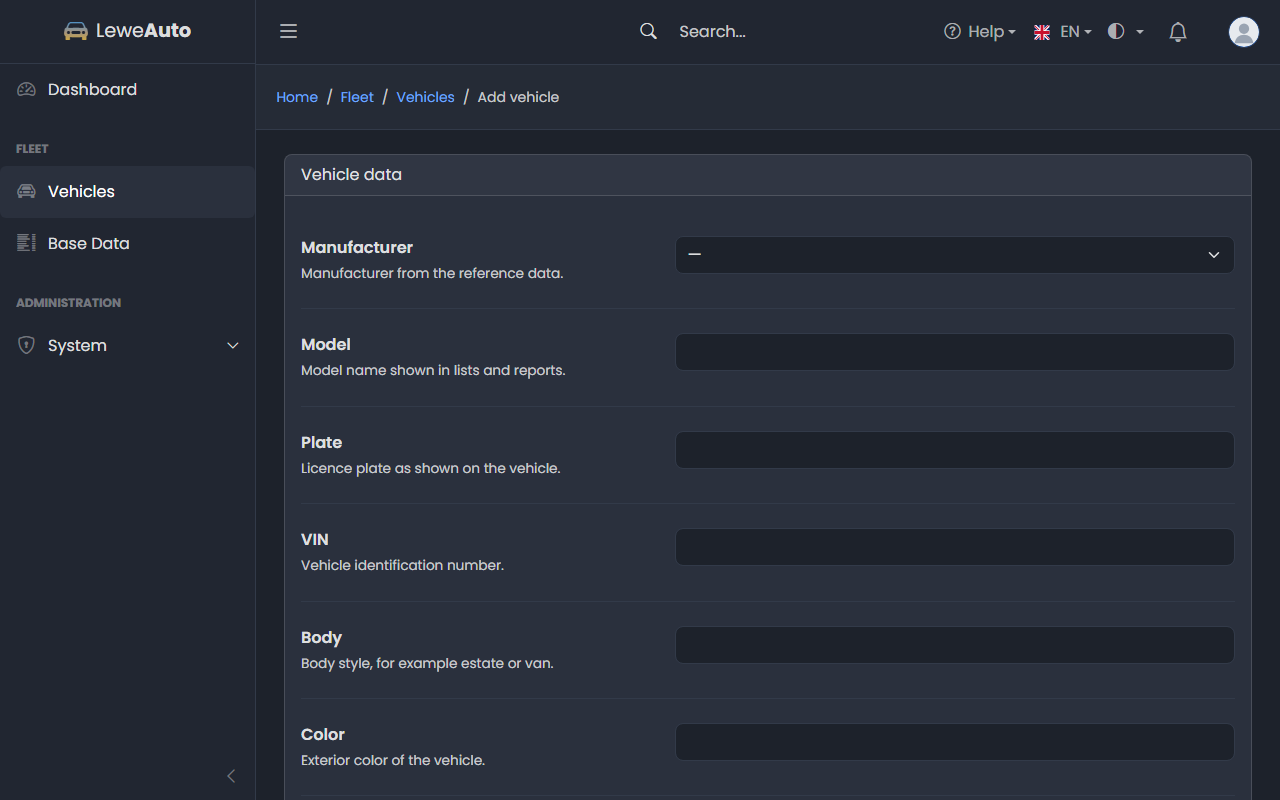
Vehicle data
| Field | Notes |
|---|---|
| Manufacturer | From Base Data |
| Model | Free text, at most 255 characters |
| Plate | Licence plate as shown on the vehicle |
| VIN | Vehicle identification number |
| Body | Body style, for example estate or van |
| Color | Exterior color |
| Country | Country of registration from base data |
| Drive | Drive type from base data |
| Fuel type | Energy source; its energy kind decides which extra fields appear |
| Public vehicle | Visible to every signed-in user, not only to assigned users |
| Doors / Seats | Numbers, not negative |
| Production date | Date the vehicle was built |
| Purchase date | Date the vehicle was purchased |
| Purchase price | In your preferred currency; stored in EUR with the exchange rate |
| Purchase odometer | Reading at purchase in your distance unit |
| Notes | Internal notes, at most 4000 characters |
Fuel and plug-in hybrid fields
For a fuel or PHEV vehicle the form adds:
- Engine displacement (ccm)
- Engine power (hp)
Electric and plug-in hybrid fields
For an electric or PHEV vehicle the form adds:
- Power (kW)
- Battery capacity (kWh) and usable battery capacity (kWh) - usable must not exceed gross
- Battery state of health (%) - 0 to 100
- WLTP range, EPA range, real-world range, consumption
- Maximum AC charging power, maximum DC charging power, onboard charger
- Connector type - one or more from the built-in connector list
- Battery type (for example LFP, NMC or NCA), battery warranty (years / km)
- Heat pump, V2L, V2H
The fields of the other energy kind are hidden and are not saved. Switching the fuel type hides them and clears them on save.
Validation
- Numeric fields must not be negative.
- Battery SoH must be between 0 and 100.
- Usable battery capacity must not be greater than the gross capacity.
- Dates must be valid and are entered in the date format from your profile.
- The purchase price and odometer are converted from your preferred units into the stored metric base.
Creation is limited to 20 vehicles per hour per user. The limit protects the API from accidental bulk creation.
After saving
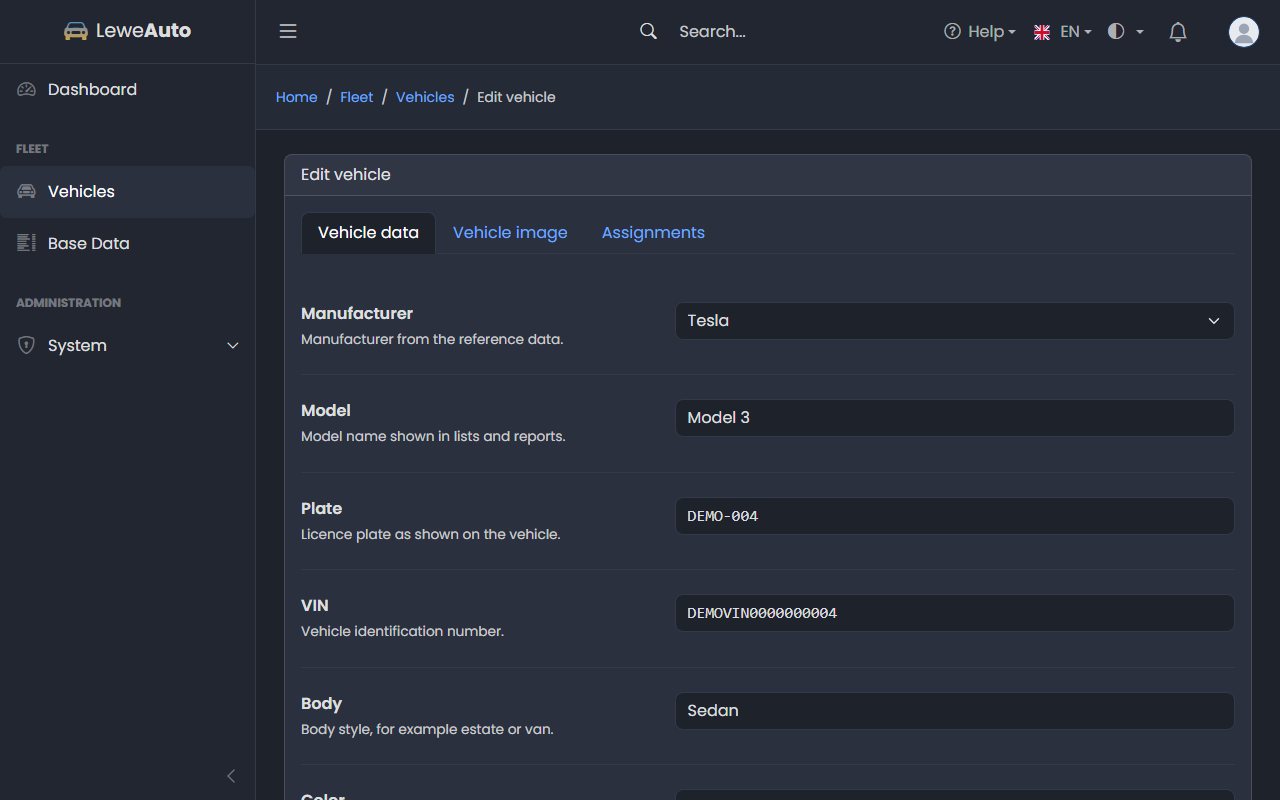
LeweAuto opens the new vehicle. The form and this page do not yet offer an image or assignments; open Edit for those:
- Vehicle image - PNG, JPG, GIF or WEBP up to 1 MB; selecting a file uploads it immediately
- Assignments - select users and groups and save; assigned users see the vehicle even when it is private
See Vehicle Detail for the header actions and tabs.
Load the base data first. Manufacturers, countries, drives, fuel types and connector types must exist before they can be selected. Assign the vehicle after saving so that drivers can record events.