Login and Registration
Open LeweAuto in a browser and use the login page. The login method depends on the administrator's configuration.
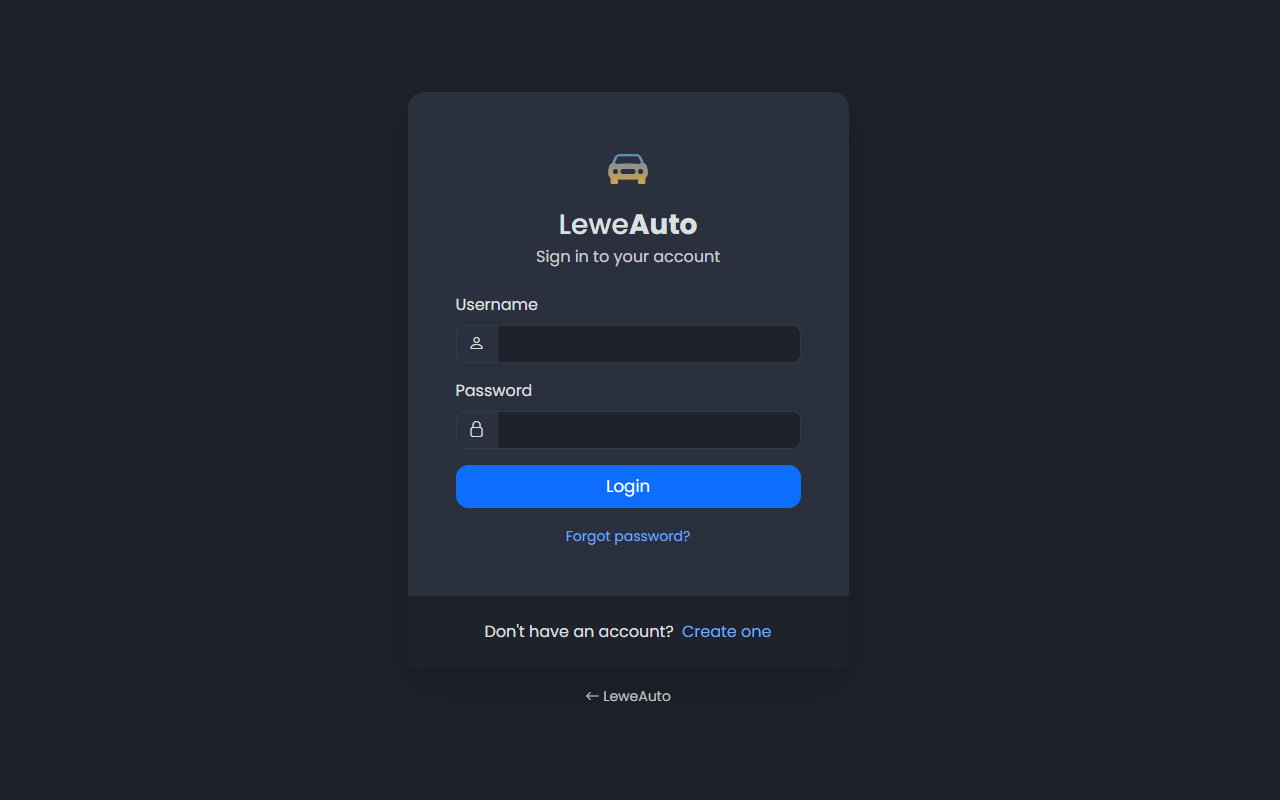
Sign in
- Enter your username and password
- Click Login
The session is kept in an HttpOnly cookie. The default lifetime is two hours (SESSION_EXPIRATION=7200); after that you have to sign in again. Log out in the avatar menu ends the session immediately.
If the administrator enabled LDAP, the login page says LDAP authentication is active. If OIDC is enabled, use Login with SSO. The admin account always logs in with a local password.
Forgot password
- Click Forgot password?
- Enter the email address of your account
- Click Send reset link
If the address belongs to a local account, LeweAuto sends a link that is valid for one hour and can be used once. The page always shows the same message, so it does not reveal whether an address is registered. Accounts that authenticate through LDAP or OIDC have their password managed by the provider and do not receive a reset link.

Open the link, enter the new password twice and click Set new password. The password must have at least 8 characters. A Password was changed email follows.
Create an account
Self-registration is enabled by default. The administrator can switch it off; when it is off, the login page has no Create one link.
| Field | Rule |
|---|---|
| Username | 3-50 characters: letters, digits, underscore, dot and hyphen. Unique. |
| Valid address, at most 100 characters, unique. | |
| Password | At least 8 characters; both password fields must match. |
A new account receives the User role. An administrator can change the roles and groups later. Self-registration is disabled when LDAP or OIDC is active and in the limited license mode.
Login protection
Wrong passwords and repeated requests are counted per client address. With the default settings, after 10 attempts within 15 minutes the address receives HTTP 429 until the window has passed. The administrator can change the limit in Settings or switch it off with 0.
The login form uses a CSRF token. Requests from another site cannot reuse your session. Do not keep a login page open indefinitely; reload it if a login attempt fails unexpectedly.
Troubleshooting
| Problem | What to do |
|---|---|
| "Invalid credentials" | Check the username and password. LDAP/OIDC users need the provider account. |
| No reset email | Check the spam folder; the account may be external, or mail is not configured. |
| "Too many attempts" | Wait for the rate-limit window or ask an administrator. |
| Login page says maintenance | Only administrators may sign in. Ask an administrator when it ends. |
| Session ends quickly | The session lifetime or the server clock may be misconfigured. |
| Two-factor code rejected | Check the device clock; TOTP codes depend on accurate time. |