Settings
Administration → System → Settings holds application-wide defaults. Open it with manage_settings; the built-in Administrator role has it. Changes apply to everyone at the next request and are written to the audit log.
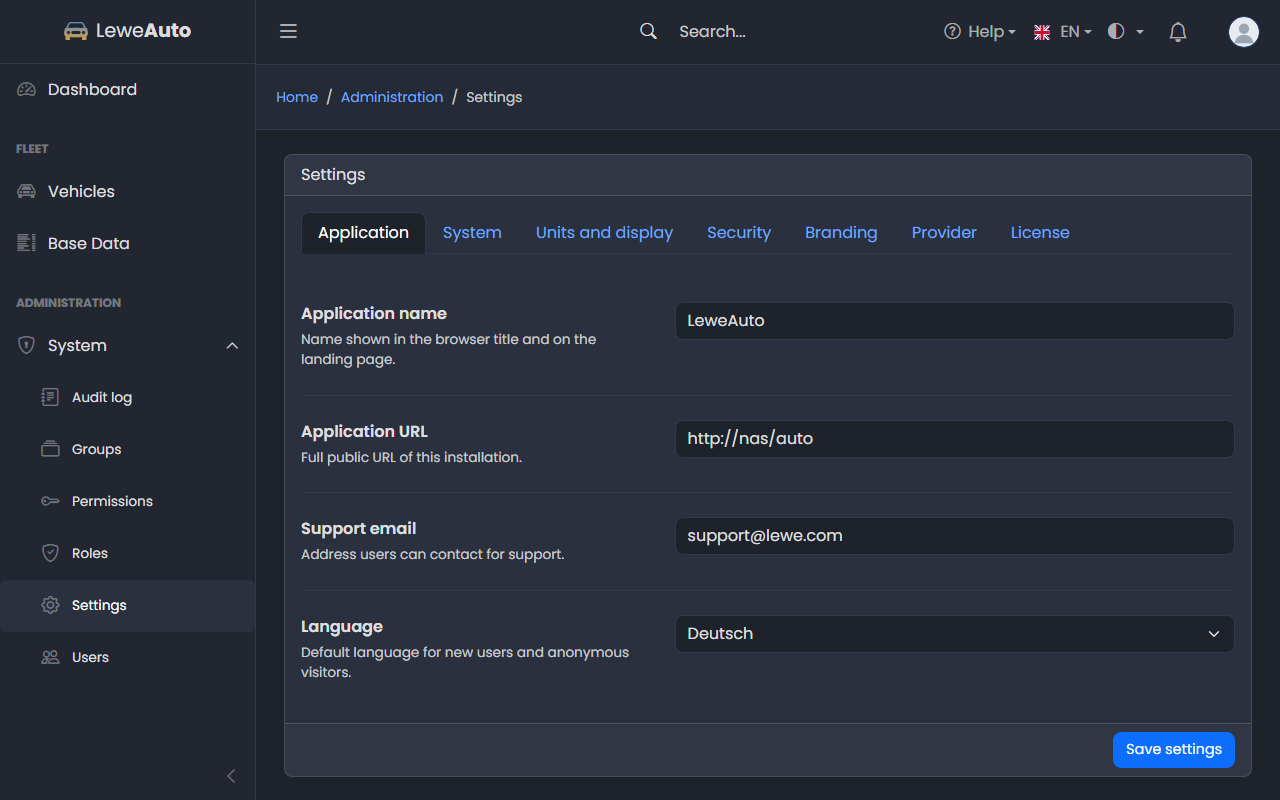
The form has seven tabs and one Save settings button. Nothing is saved until you click it.
Application
| Setting | Effect |
|---|---|
| Application name | Browser title and heading, at most 50 characters |
| Application URL | Full public URL, used in emails and for links |
| Support email | Address shown to users who need help |
| Language | Default for new users and anonymous visitors; English, German, Spanish or French |
Users can override the language in their Profile.
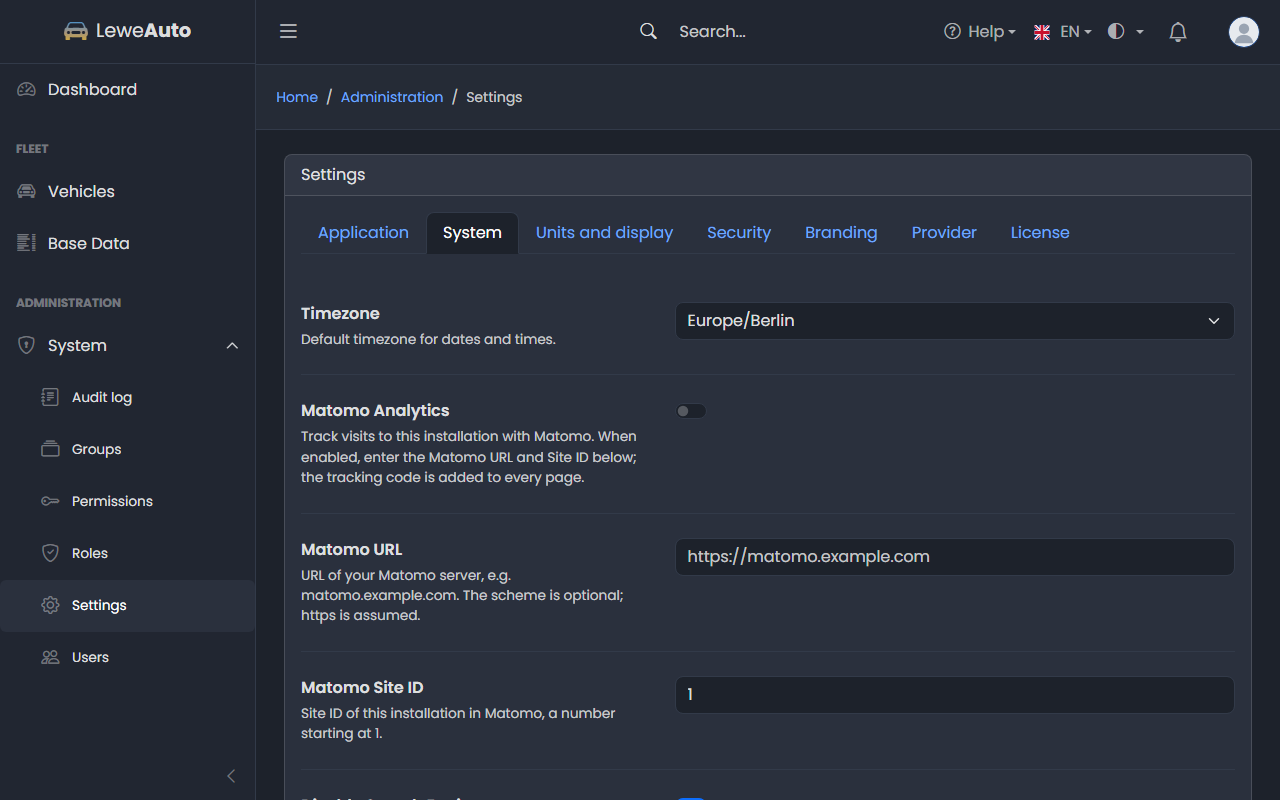
System
| Setting | Effect |
|---|---|
| Timezone | Default for dates and times |
| Matomo Analytics | Adds tracking code to every page when enabled |
| Matomo URL / Site ID | Server and site number; the scheme is optional and https is assumed |
| Disable Search Engines | Sends noindex instructions to search engine robots |
| Disable Caching | Sends no-cache headers to avoid stale pages |
| Debug Mode | Writes debug information to the browser console |
| Under Maintenance | Only administrators can log in; everybody else sees the maintenance page |
Turn Under Maintenance off after an upgrade. While it is on, users cannot record events or open the application.
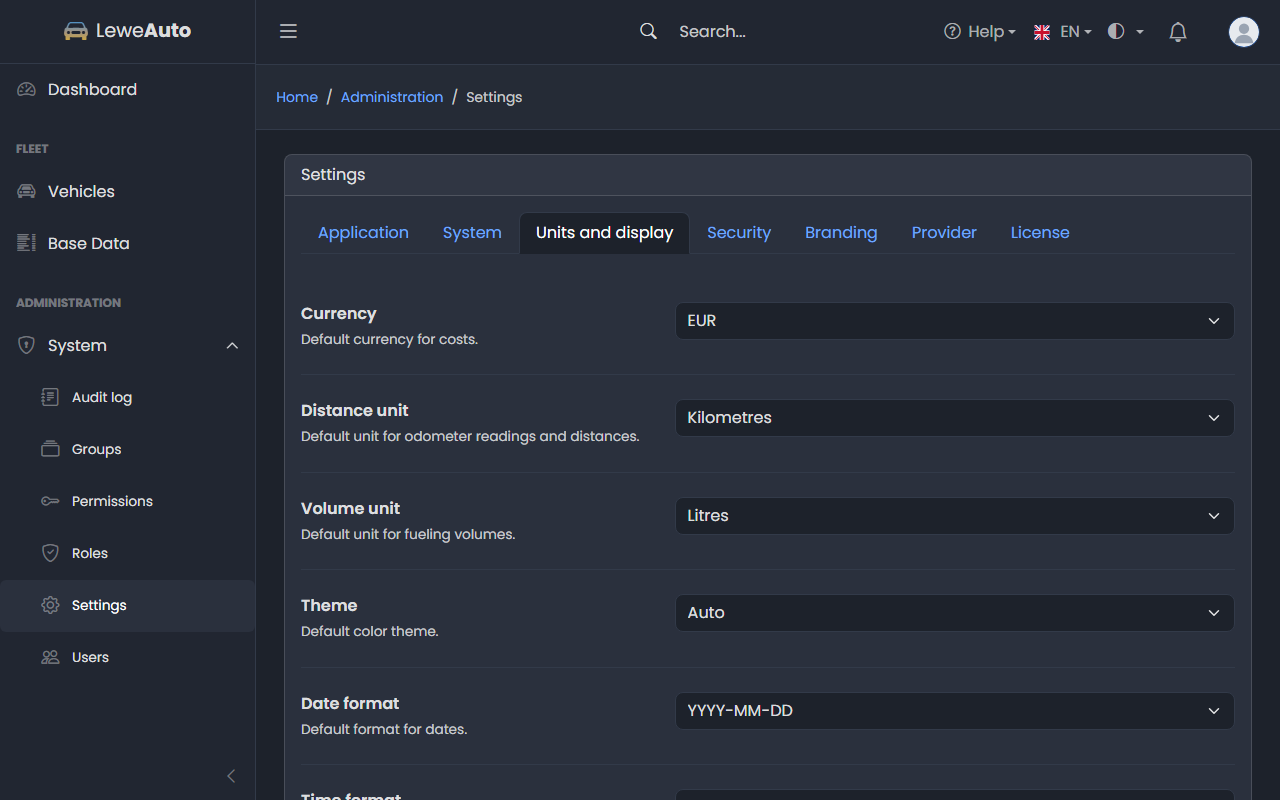
Units and display
| Setting | Options |
|---|---|
| Currency | EUR or USD |
| Distance | Kilometres or miles |
| Volume | Litres, US gallons or UK gallons |
| Theme | Auto, light or dark |
| Date format | YYYY-MM-DD, DD.MM.YYYY or MM/DD/YYYY |
| Time format | 24-hour or 12-hour |
The defaults are used for new users and for anonymous pages. Every user can override language, theme, currency, distance, volume, timezone, date and time format in their own profile.
Security
| Setting | Effect |
|---|---|
| Allow self-registration | Visitors can create an account from the login page |
| Require two-factor authentication | Every user must set up a second factor before continuing |
| Auth attempts per window | Failed logins and password-reset requests per IP; 0 disables the limit |
| Auth window (seconds) | Length of the rate-limit window |
| Audit retention (days) | How long audit entries are kept |
| Mail retention (days) | How long queued notification email is kept |
| Admin page size | Rows per page in administration lists (5-100) |
Set Require two-factor authentication only after every administrator has enrolled, otherwise they are locked out until they set it up. The admin account can still log in locally, and DISABLE_ADMIN_2FA=1 in the .env file is an emergency override.

Branding
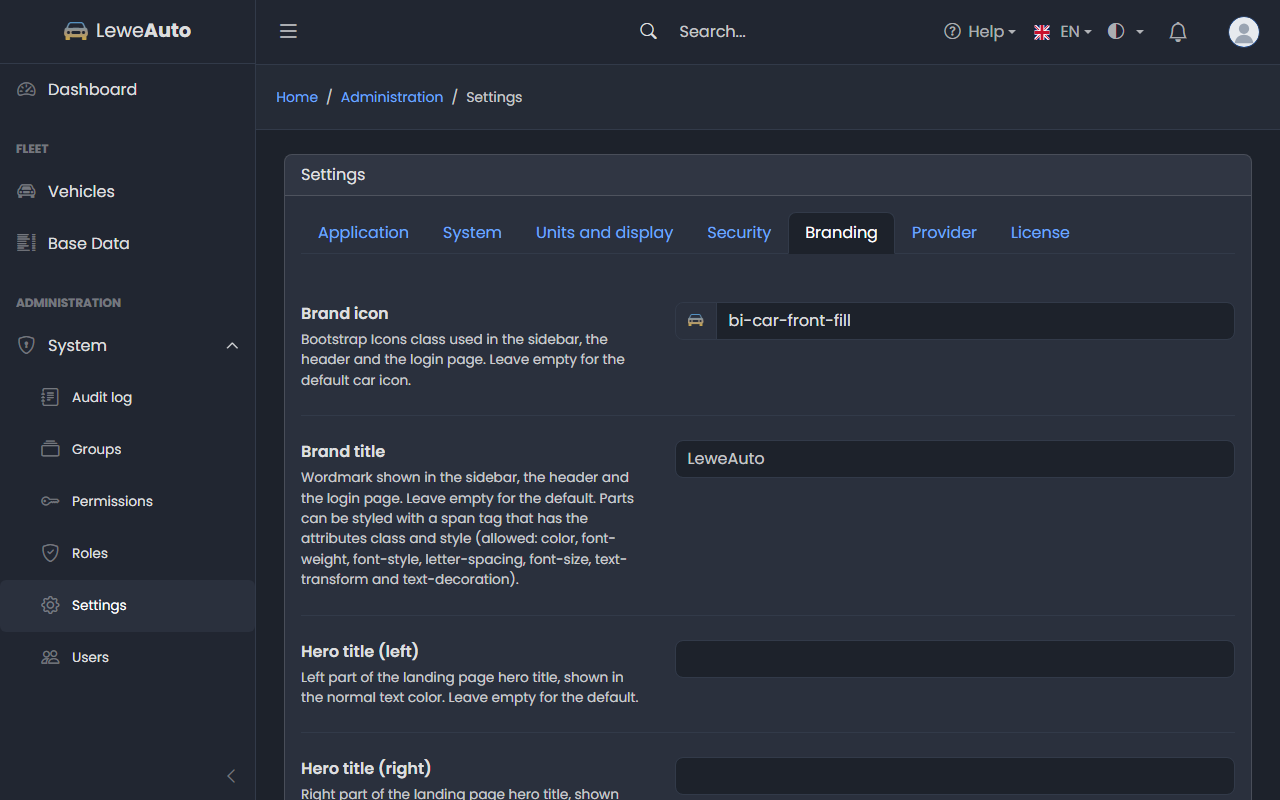
The Branding tab changes the sidebar, header, login page and landing page without code changes:
- Brand icon - a Bootstrap Icons class such as
bi-car-front-fill - Brand title - the wordmark; parts can be styled with
<span class>and a small set of inline styles - Hero title (left / right) - the two halves of the landing page headline
- Hero subtitle - the text below it
- Copyright company - shown in the landing page footer, with the current year
- Copyright link - optional URL for the company name
Leave a field empty to use the built-in default.
Provider
The Provider tab supplies the controller information for the privacy policy and the provider information for the imprint:
- Contact name and address, one line each
- Phone number in international format
- Email address
- Website starting with
http://orhttps://
Empty optional fields are hidden on the public pages. Keep this information current; it is legally relevant.
License
The License tab shows the current state and lets you save a key, activate the domain, deregister it and check the server. See License.
Saving and troubleshooting
- The save button applies all tabs at once. If one value is invalid, nothing is saved and the affected field is marked.
- Unit changes affect display and input; stored values are kept in metric and converted on output.
- Changes to the application name and branding appear after a page reload.
- If the application is unreachable after a change, check Under Maintenance, the application URL and the web server configuration.