Administration
The Administration section of the sidebar is only visible to users who hold the corresponding permissions. By default these belong to the role Administrator.
The pages are grouped in two areas:
- System: users, roles, groups, permissions and the system settings
- Issues: the lists that structure issues: issue types, products, status, status categories, resolutions and tags
In addition, Housekeeping describes the automatic cleanup that runs in the background.
How the list pages work
All list pages work alike:
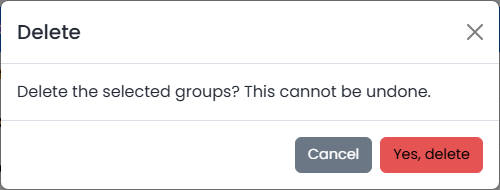
- Click a row's checkbox to select it. Edit opens the selected record, Delete removes the selected records after a confirmation.
- Add (where available) opens an empty form.
- Use Search to filter the table, Show entries to set the page size and the column headers to sort.