Dark Mode
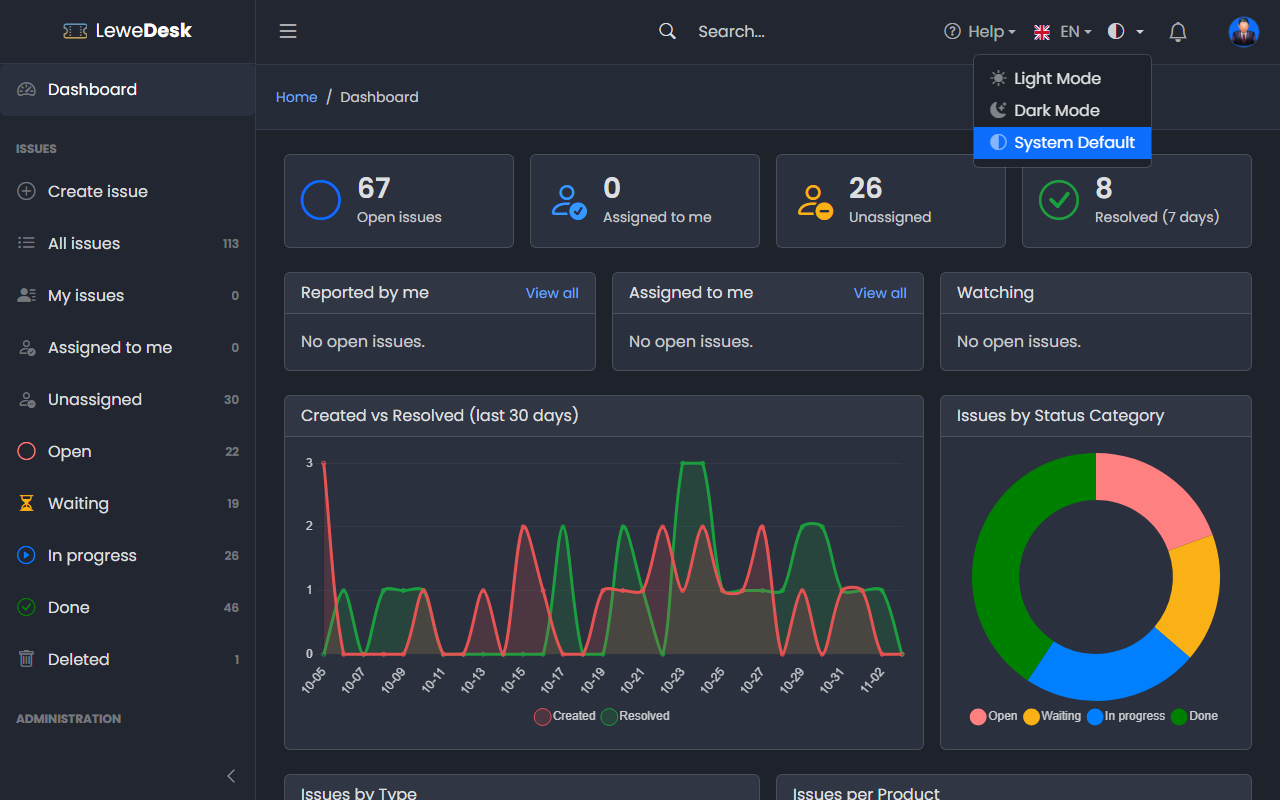
LeweDesk can be shown in a dark or a light color scheme. Use the theme switch in the top bar.
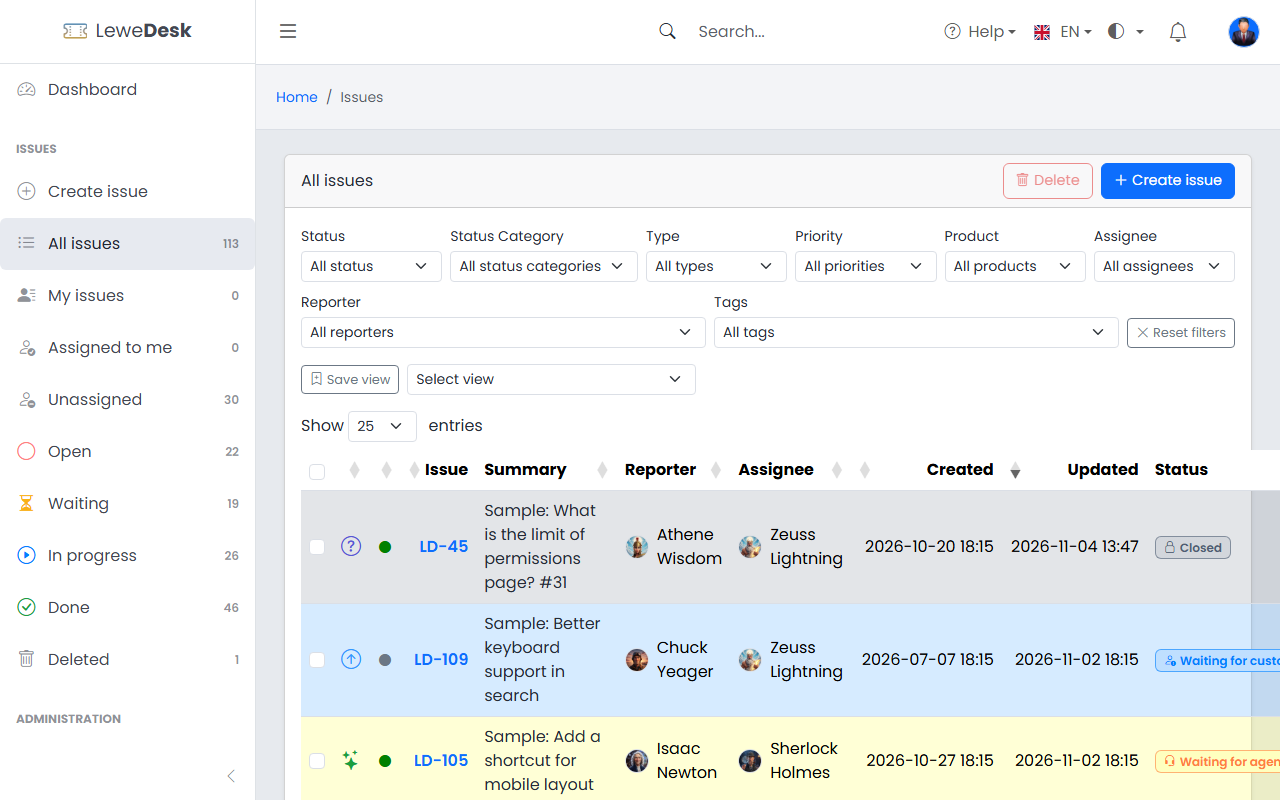
Light Mode
Light Mode shows a light background with dark text.
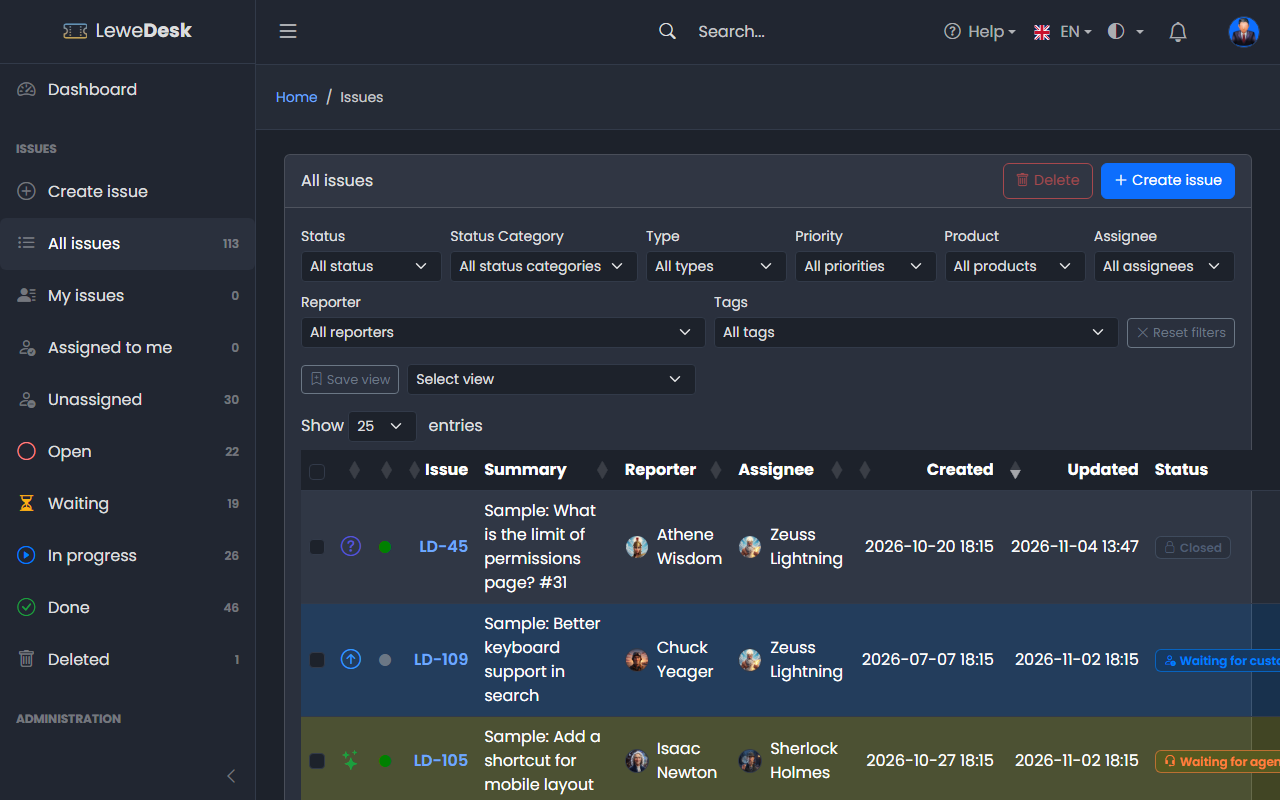
Dark Mode
Dark Mode shows a dark background with light text.
Auto Mode
Auto Mode follows the setting of your computer or browser and switches between dark and light with it.
The administrator sets the default color mode in the Settings (tab Theme). Your own choice in the top bar takes priority in your browser.