Markdown
Descriptions and comments support Markdown, a simple way to format text. Use the toolbar above the text field, or type the Markdown yourself.
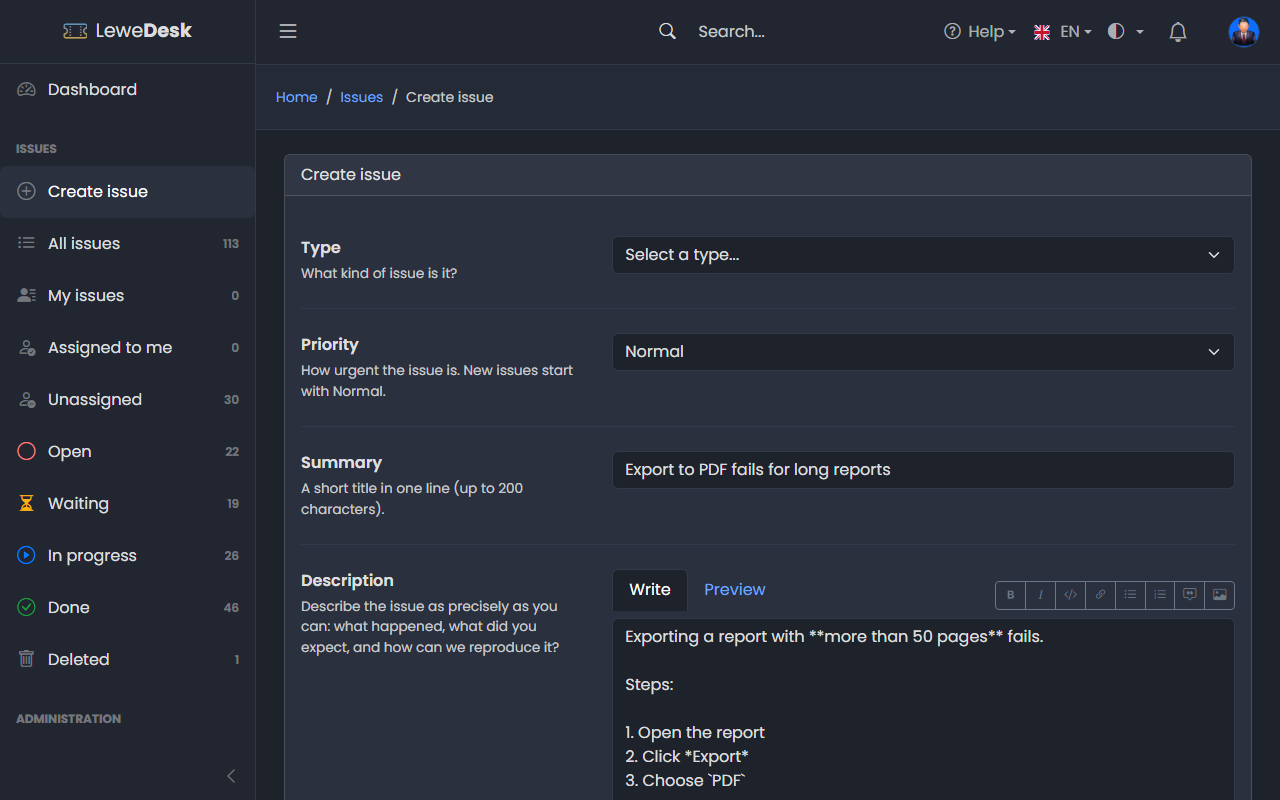
Toolbar
| Button | Result |
|---|---|
| B | Bold |
| I | Italic |
</> |
Code |
| Link | Inserts a link |
| Bulleted list | Inserts a bulleted list |
| Numbered list | Inserts a numbered list |
| Quote | Inserts a quote |
| Image | Inserts an image. You can also insert an existing image of the issue. |
Click Preview to see the result, and Write to go back to editing.
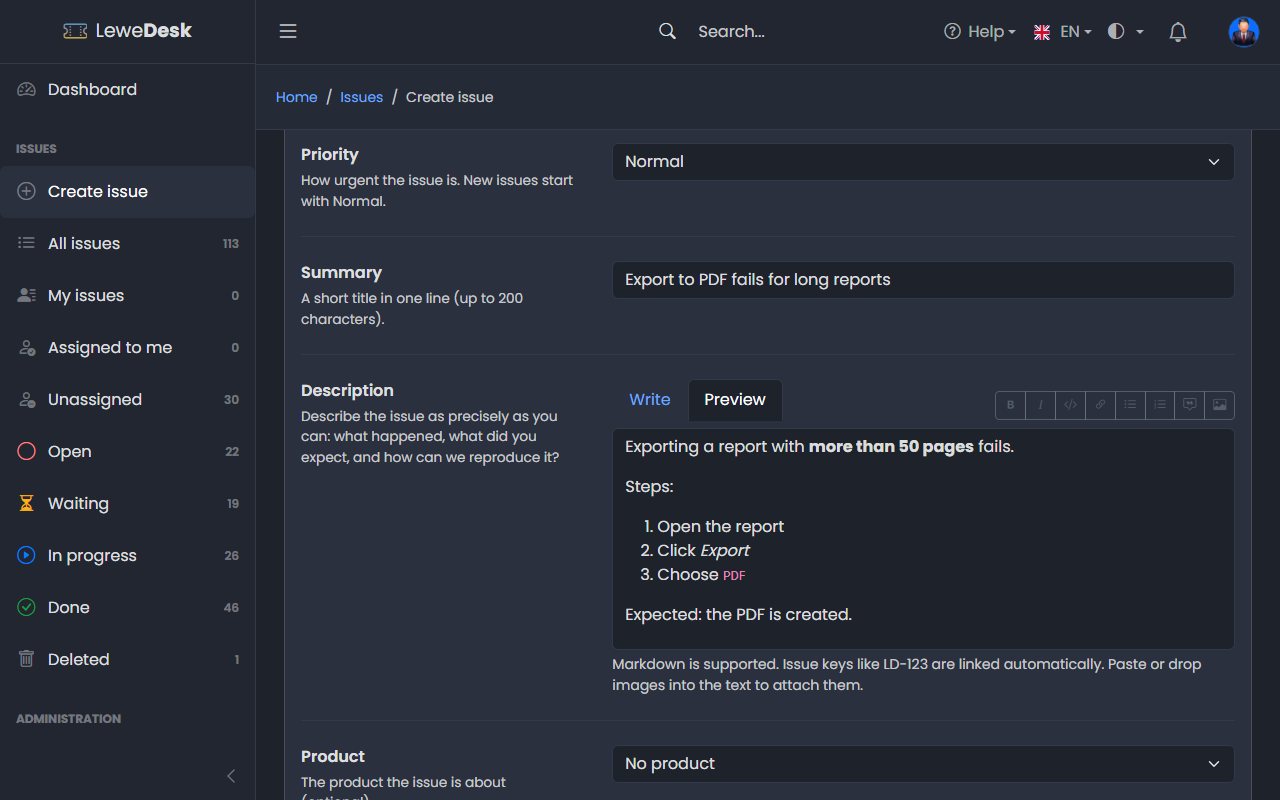
Syntax
| You type | You get |
|---|---|
**bold** |
bold |
*italic* |
italic |
`code` |
code |
[text](https://example.com) |
a link |
- item |
a bulleted list |
1. item |
a numbered list |
> quote |
a quote |
LD-123 |
a link to that issue |
Images
Paste an image from the clipboard or drag it into the text. Only gif, jpg and png images can be inserted. See Attachments.
Good to know
- Raw HTML is shown as text and not executed
- Links must start with
https://,mailto:or be relative - Issue keys inside code blocks are not linked