Login and Registration
Login
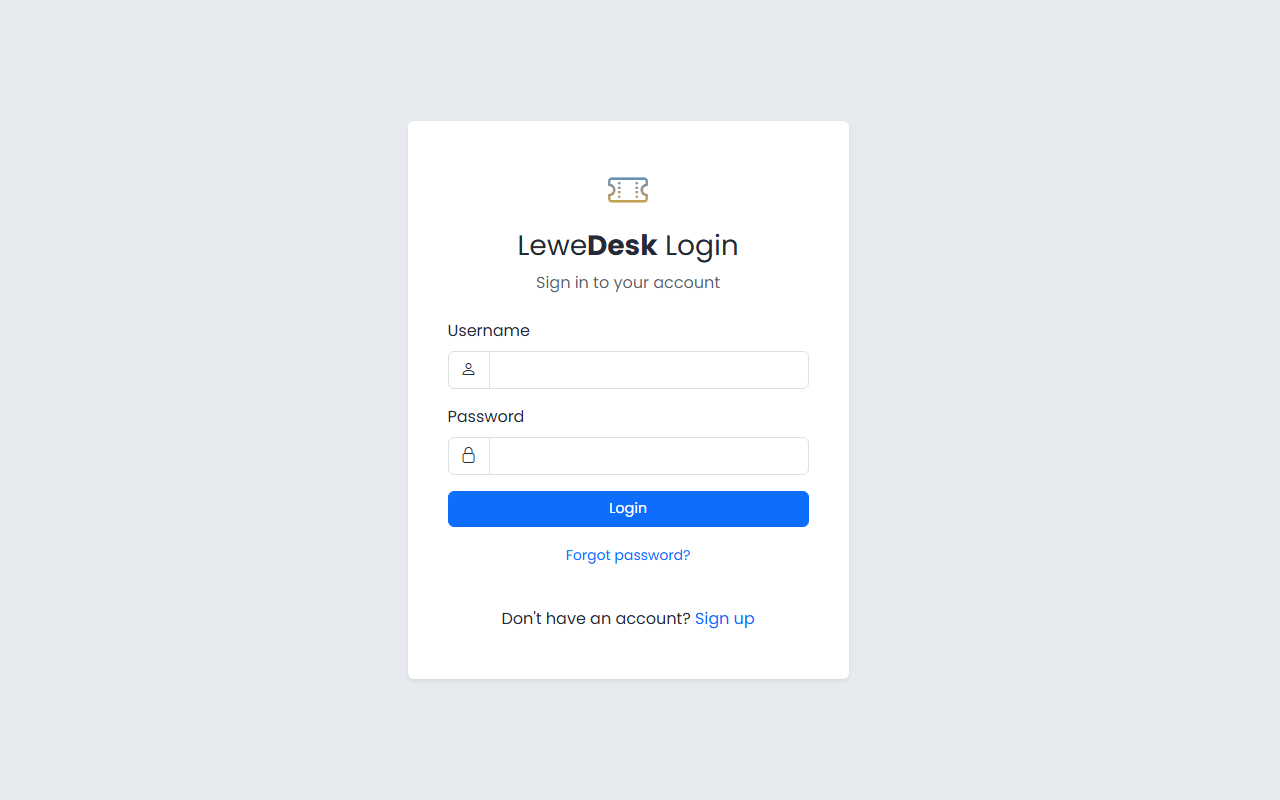
Enter your username and password and click Login. Use Logout in the user menu in the top bar when you are done.
If you have set up two factor authentication, a second page asks for the 6-digit code of your authenticator app. If your administrator made it mandatory and you have not set it up yet, you are taken to the setup page. See Two Factor Authentication.
If your session expires, LeweDesk takes you back to the login page.
If the installation has no valid license, Sign up shows the message This feature is currently disabled due to an invalid license. Ask your administrator for an account. (If the administrator has locked the application, the login page may also say that only administrators can log in until the license is renewed.) See License.
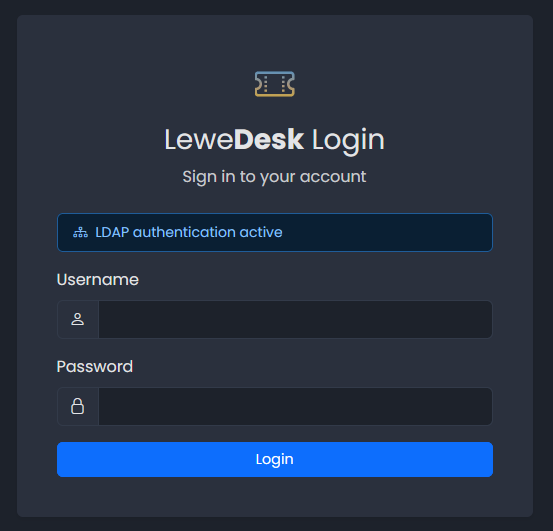
If the login page says LDAP authentication active, use your LDAP password (the one you use for your computer or other company systems). Your account must have been created by an administrator. The registration and the password reset are not available then. If the login says Unknown LeweDesk user., ask your administrator for an account. See LDAP Authentication.
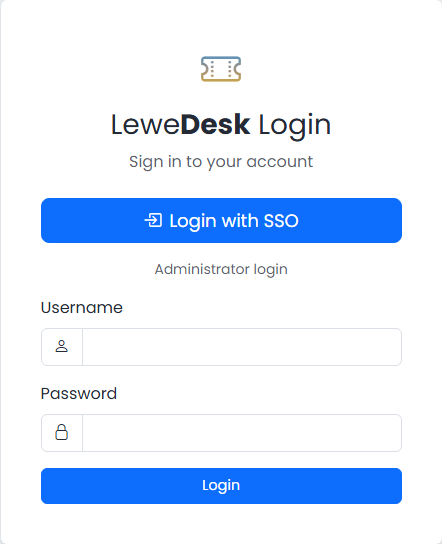
If the login page has a Login with SSO button, click it and sign in at your company's identity provider. The username and password form below it, labeled Administrator login, is only for the administrator. Your account must have been created by an administrator with the same username as at the identity provider; otherwise you see Unknown LeweDesk user. The registration and the password reset are not available, and two factor authentication is handled by the identity provider. Logging out of LeweDesk does not end your session at the identity provider. See OIDC Authentication.
Registration
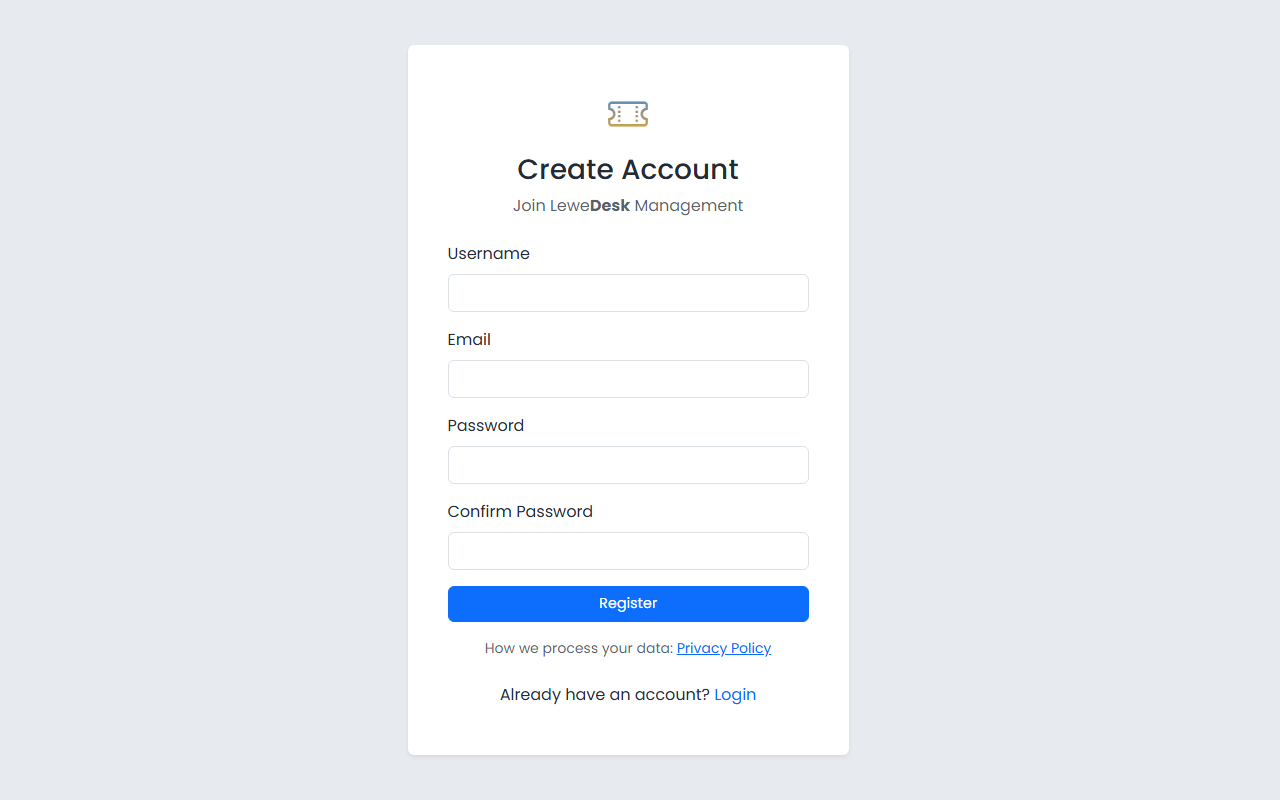
If you do not have an account, click the registration link on the login page and fill in:
| Field | Description |
|---|---|
| Username | Your login name. It cannot be changed later. |
| Your email address. It must be unique. Notifications are sent here. | |
| Password | Your password |
| Confirm Password | Repeat the password |
Click Register. New accounts get the role User. An administrator can give you more roles (see Users).
Forgot your password?
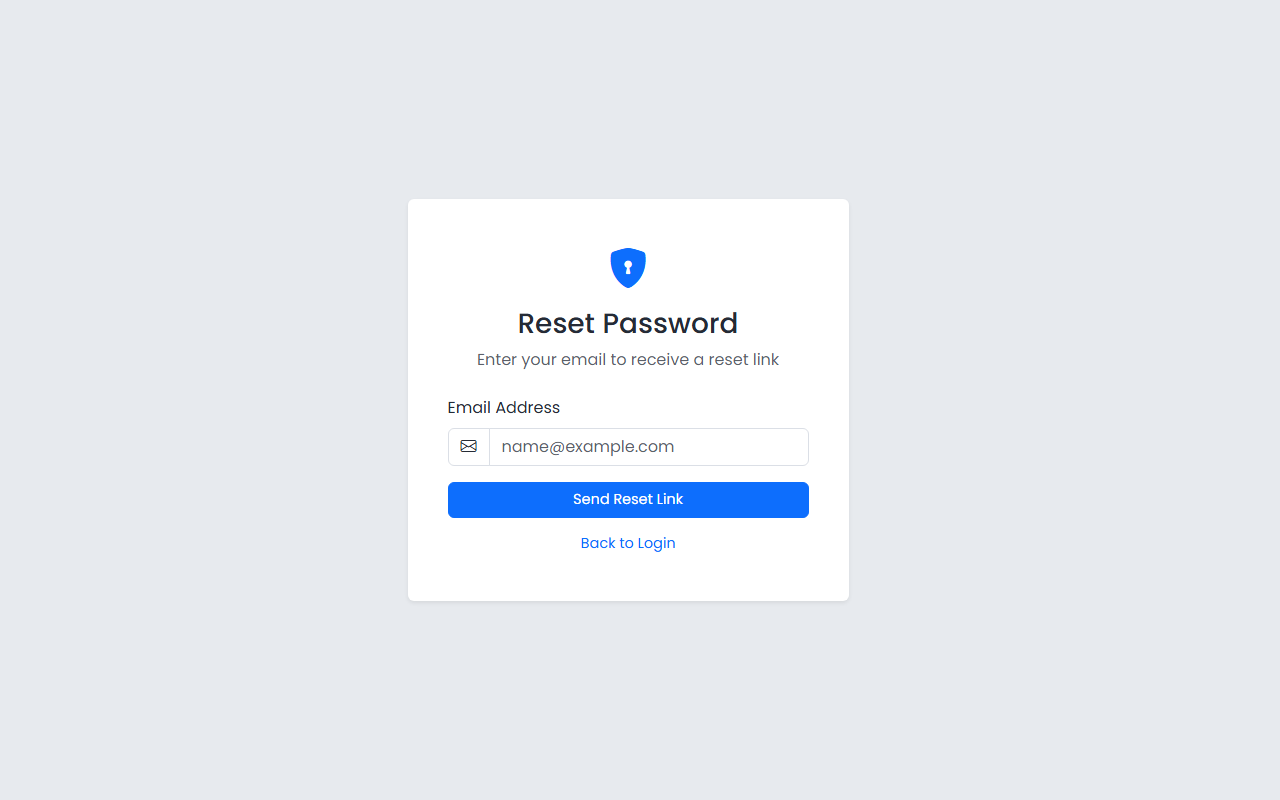
Click the password reset link on the login page and enter your email address. LeweDesk sends you an email with a link. The link opens a page where you choose a new password.
You can also change your password any time in your Profile.