Create Issue
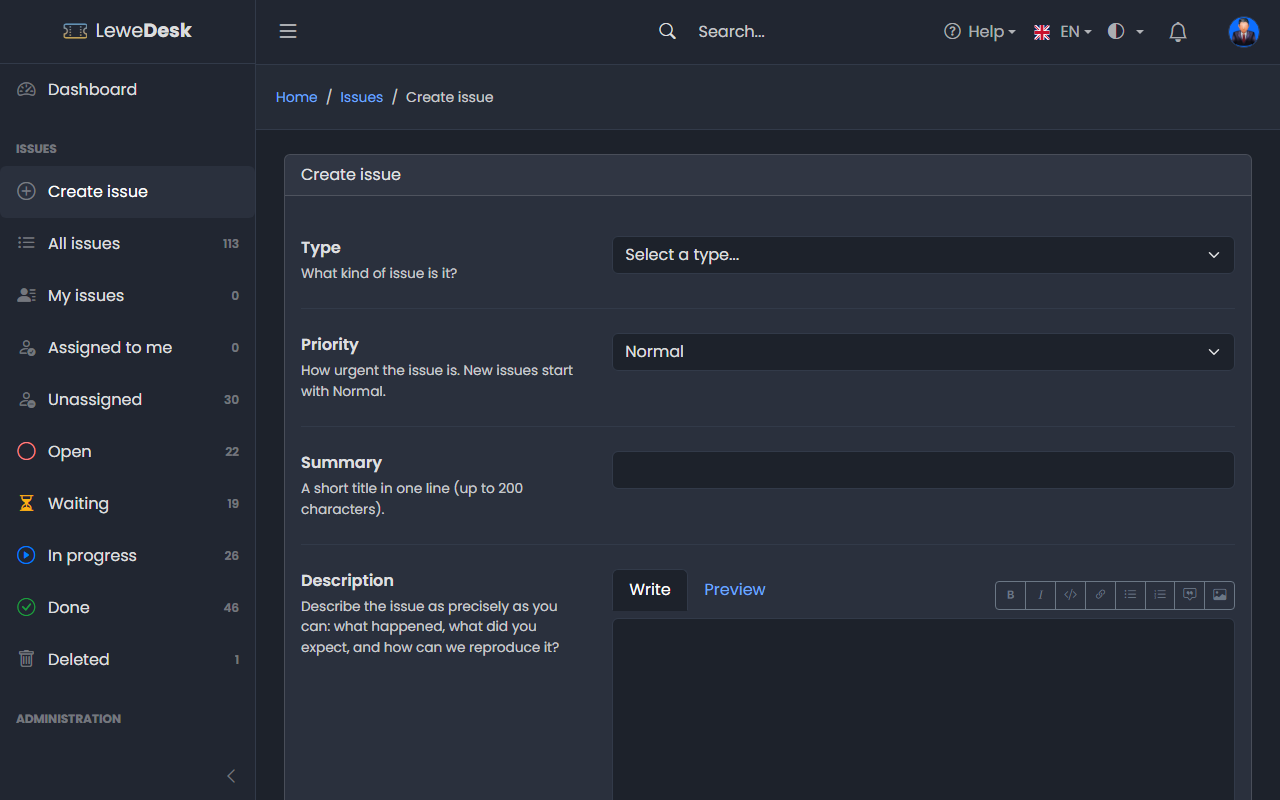
Click Create issue in the sidebar. You need to be logged in.
Fields
| Field | Description |
|---|---|
| Type | What kind of issue is it? Required. |
| Priority | How urgent is it? Normal is preselected. The choices are Critical, High, Normal and Low (and any priorities your administrator added). |
| Summary | A short title in one line (up to 200 characters). Required. |
| Description | Describe the issue as precisely as you can: what happened, what did you expect, and how can we reproduce it? Required. Supports Markdown and pasted images. |
| Tags | Optional. Type to search the existing tags. A tag that does not exist yet is created after you confirm. |
| Product | The product the issue is about. Required. It decides the key of the issue. The default product is preselected. |
| Affected version | The version of the product the issue occurs in (optional). The versions of the selected product are offered, grouped by status. Archived versions are not offered. |
| Fixed version | The version of the product that fixes the issue (optional). Usually left empty when you report an issue. |
| Access | Who may see this issue: Public, Registered or Reporter only. The support team can always see it. |
| Attachments | Files to attach (optional). See Attachments. |
Click Create issue. The issue gets its key: the key of the product and the next number of that product (for example Issue LD-123 was created).
Writing the description
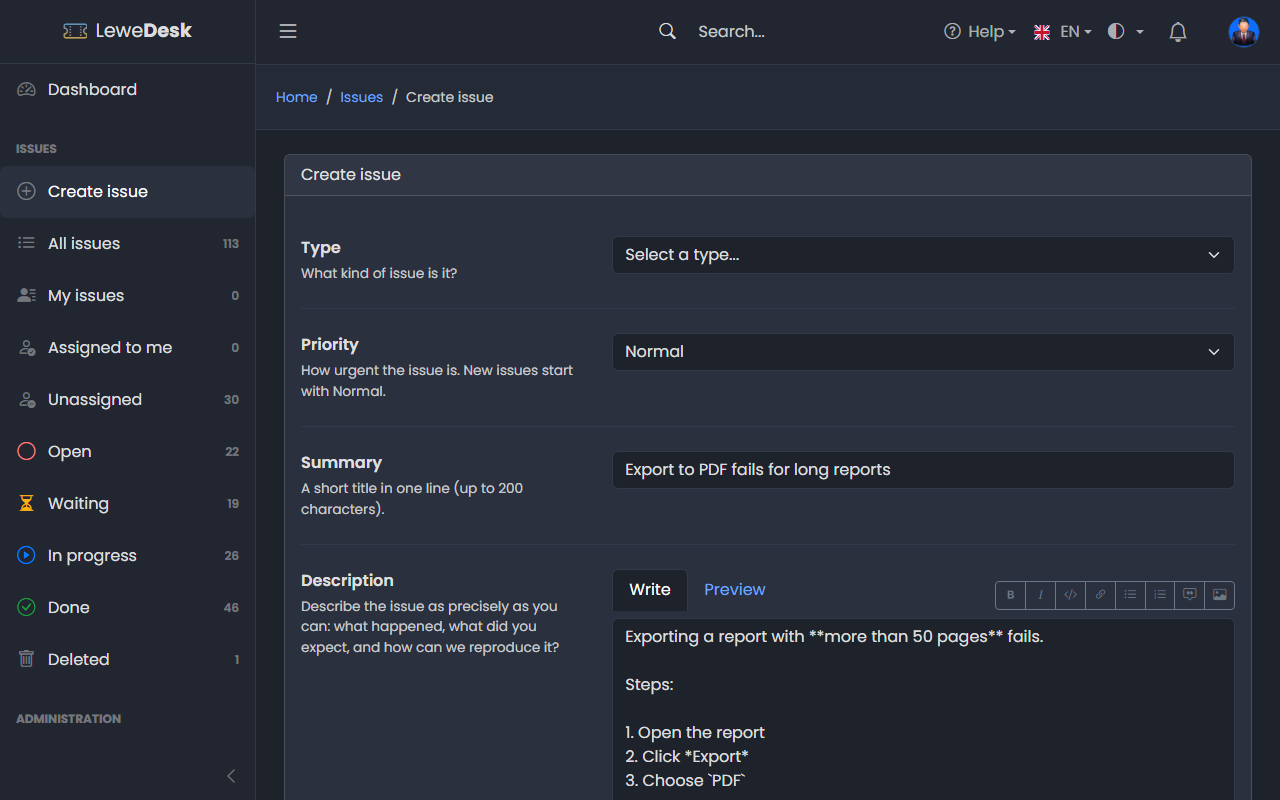
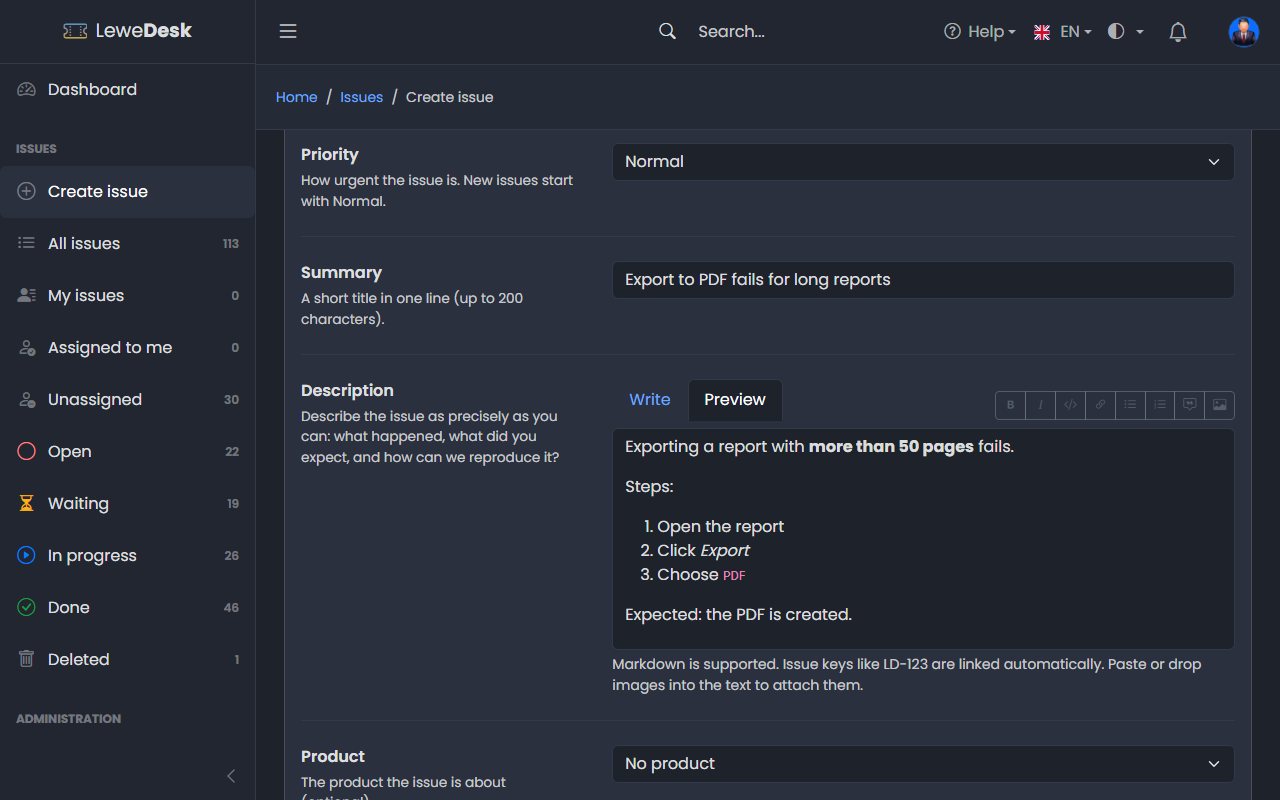
Use the toolbar above the text field for bold, italic, code, links, lists, quotes and images. Click Preview to see the formatted text. See Markdown.
After creating
- You become a watcher of the issue and receive notifications about it
- The support team is notified, and the support email address configured by the administrator gets a message
- You cannot edit the summary or the description afterwards. Add a comment for additions.
LeweDesk limits how many issues a user can create per hour (default 10) to protect against spam. Agents and Administrators are not limited.